
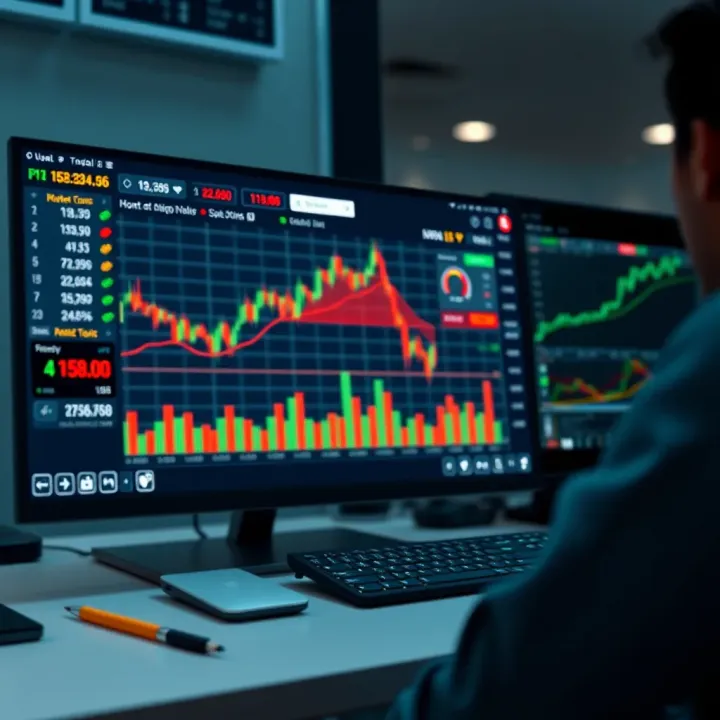
Choosing and Using Free Forex Trading Software
📊 Discover top free forex trading software for South African traders. Learn setup, key features, safety tips, and how to trade smarter with no cost tools!
Edited By
Henry Mitchell
Forex trading can be quite a complex venture, especially if you’re just starting out or looking to sharpen your skills without risking real cash. That’s where a forex demo app comes in handy. It lets you practice trading currency pairs with imaginary money, mirroring live market conditions without the financial risk.
For South African traders, demo apps offer a safe space to learn the ropes while considering local factors such as exchange rates between the rand and other currencies, or how global events affect the ZAR. These apps are invaluable for testing strategies before diving into real money trades, especially in a market where volatility can catch newbies off guard.
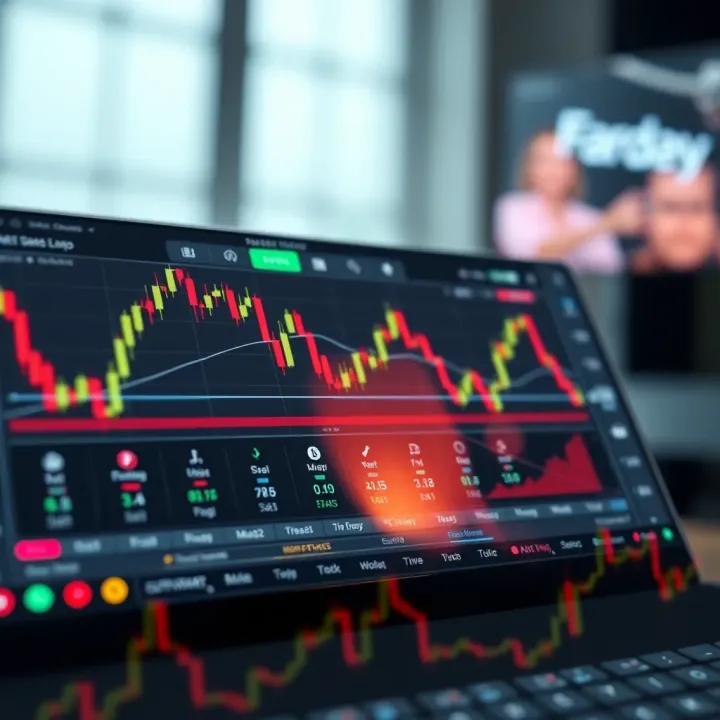
When choosing a demo app, it’s essential to aim for platforms that reflect the real trading environment closely. Look for apps from credible brokers who operate under South African financial regulations or have a widespread reputation both locally and internationally. For example, some brokers offer demo accounts with access to the same trading tools as their live accounts, including leverage options, technical analysis indicators, and real-time price feeds.
Keep in mind that a good demo app will let you practice with a range of currency pairs, not just the major ones like USD/ZAR or EUR/USD. This variation helps you understand different market dynamics and liquidity concerns. Plus, you should be able to simulate order types such as limit and stop orders, which are crucial for managing risk in actual trading.
Demo trading isn’t just about making pretend profits; it’s about learning to manage emotions and discipline yourself to stick to a plan. It’s common for beginners to jump into real trades too soon.
Besides the features, check how user-friendly the app is, especially if you’re trading on a mobile device during your commute or when away from your desk. The setup process should be straightforward — ideally, you should be able to start practising within minutes.
To sum up, a solid forex demo app combines realistic market conditions, local relevance, a variety of tools, and ease of use. This foundation sets you up better for the challenges of real-money trading in South Africa’s unique forex environment.
A forex trading demo app is your training ground before stepping into live trading. It lets you become familiar with forex markets, test trading strategies, and build confidence without risking real cash. For South African traders especially, with the fluctuating rand and local economic factors, practicing safely matters a lot. Demo trading helps you get your footing without financial strain or stress.
Starting out in forex trading can feel like navigating a maze blindfolded. A demo account removes the fear because you’re using virtual money, not Rands. This means you can try out how to execute a trade, read price charts, and understand margin calls without losing a cent. For instance, if you decide to open a buy order on the USD/ZAR pair, you learn how fluctuations affect your position without financial risk. This experience is crucial before you commit actual funds.
Beyond learning the ropes, demo apps let you experiment with trading plans. Say your plan involves momentum trading on eur/usd — a popular pair — you can try entry and exit points, stop-loss settings, and risk limits in real-time market conditions but on a simulated account. This helps you see what works and spot errors without pressure. By logging these trial trades, you refine your tactics gradually, so when you switch to live trading, your approach feels tested and familiar.
Most quality demo apps connect to live forex feeds, showing actual price changes as they happen. This means you’re trading on virtual funds but with real market movement. For example, if the rand weakens suddenly due to a local political announcement, your demo trades will respond just like real ones would. It’s a practical way to understand how global events impact currencies and practise reacting to volatility.
Keep in mind: the more real the data, the more useful your demo practice becomes.
Despite the advantages, demo trading isn’t a perfect mirror of live trading. For one, execution speeds in a demo are usually faster, without the slippage or requotes common in real markets. Also, there’s no real emotional pressure when using fake money; this can cause you to trade more recklessly than you would with your own cash. For example, a trader might ignore risk management rules on demo simply because losses don’t hurt. Recognising these differences is key to shifting mindset and tactics when moving from demo to live.
Overall, understanding the role and limitations of a demo app equips you better for real forex trading. It’s your practical classroom and testing lab wrapped in one, helping you trade smarter and more confidently when real money starts moving.
Choosing the right forex trading demo app is key to building a solid foundation for your trading journey. Not every demo app offers the same tools or user experience, and picking one that fits your style and needs ensures you practice effectively, without confusion or frustration. Whether you're a novice testing the waters or an experienced trader refining your approach, the right app could save you time and provide accurate market insights.
A clean, intuitive interface is essential. You want to focus on learning Forex trading—not battling a clunky app. For example, clear navigation menus and well-labelled buttons help you find charts, order entries, and analysis tools quickly. This is especially important if you’re trading on a mobile device, where screen space is limited. A user-friendly app reduces common beginner errors like placing trades unintentionally or missing important updates.
Accurate, real-time market data is a must-have. Your demo app should use live quotes that reflect actual market prices, so you can practise with conditions that closely resemble a real trading environment. This means if the South African rand suddenly drops against the US dollar, the app updates the quote instantly. Reliable charts showing price movements with various timeframes let you analyse trends and test your strategies properly.
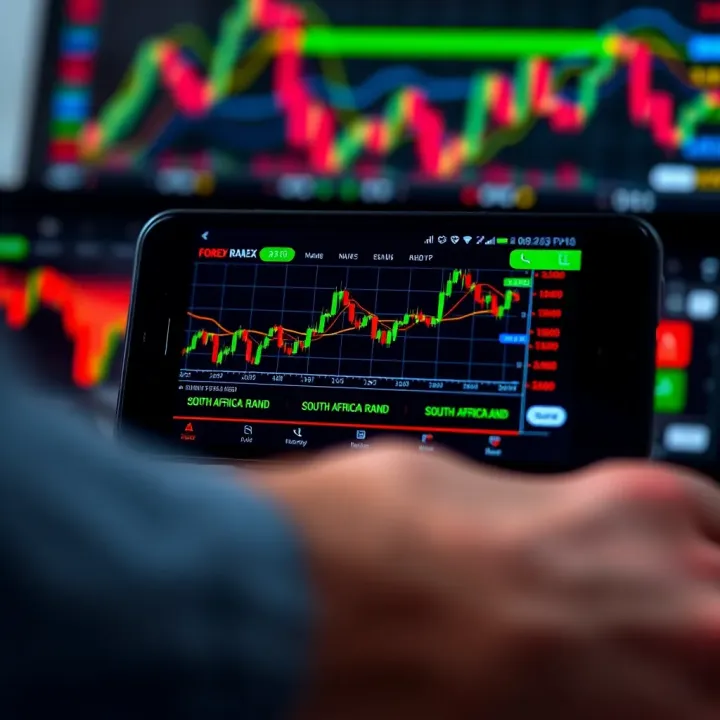
Even in a demo setting, practising good risk management habits is crucial. Look for apps that include features like stop-loss and take-profit orders, so you can learn to limit potential losses and lock in gains. Some apps offer position size calculators or risk-to-reward ratio indicators, which help you plan trades wisely before moving to a live account. These tools teach discipline and are practical in managing your capital once you start trading with real money.
Many South African traders find it helpful to use demo apps from reputable brokers like IG, Plus500, or AvaTrade. These brokers provide robust platforms with reliable data and a variety of tools suited to different experience levels. Their demo apps often mirror the live version closely, so your experience transitions smoothly when you switch to real trading accounts. Trustworthy brokers follow regulations enforced by local and international bodies, offering some peace of mind during your practise.
Choosing between local and international trading platforms depends on your priorities. Local platforms might provide better customer support and payment options suited to South African traders, such as EFTs or instant mobile deposits via local banks. However, international platforms can offer wider access to global currency pairs and advanced features. For instance, a trader might use a local broker's demo app to practise basics but also use MetaTrader 4 or 5—popular international platforms that many local brokers support—for more technical analysis.
Selecting a demo app with features aligned to your trading style and local preferences will set you up for a smoother learning curve and reduce surprises when you start trading live.
Choosing well now can make a world of difference later on, so take your time in exploring these options before committing to one.
Setting up a forex trading demo app correctly is the first step to making the most of your practice sessions. Getting this part right means you’ll avoid hiccups like app crashes, slow responses, or missing out on key features. Proper setup also ensures your device runs the app smoothly without burning through data or storage. These steps matter—especially for South African traders who often face challenges like varying internet quality or data limits.
Before you download, check which operating systems the demo app supports. Most popular forex demo apps run on Android and iOS devices, but it’s worth verifying the minimum OS version. For example, an app might need Android 8 or later or iOS 13 and above. Using a device with outdated software could cause glitches or prevent app installation altogether.
Forex apps often stream live price quotes and charts, which can consume a fair amount of mobile data. For South Africans on limited prepaid bundles, it pays to monitor this closely. If you intend to trade frequently, consider connecting to Wi-Fi whenever possible or selecting apps that offer data-saving modes. A quick note: some demo apps update in real time, so they might feel heavier on data than those that update less frequently.
It’s tempting to grab apps from easy-to-find unofficial sources, but this risks security and app quality. Unofficial platforms might host outdated versions or apps with malware. Stick to Google Play Store for Android users and Apple’s App Store for iOS. These stores vet apps to reduce the chance of downloading dodgy software.
Even on official stores, make sure the app you download is the genuine one from a reputable broker or developer. Check user reviews, the number of downloads, and the developer’s profile. For instance, a demo app from well-known brokers like IG or HotForex gives you reassurance on legitimacy and updates. This helps protect your device and personal info from scams.
When opening a demo account, use accurate information to avoid problems later. Some brokers may require valid email addresses and phone numbers to verify accounts and send important updates. Even though you’re starting with virtual money, being honest about your info ensures the process runs smoothly.
Once registered, take time to set up your trading preferences. Choose your base currency, leverage level, and initial virtual balance. These settings create a realistic trading environment that matches your plans. For example, setting your initial virtual funds to R10,000 allows you to try trades sized similarly to what you’d use live. Proper configuration aids more meaningful practice and smoother transition to real trading.
Starting on the right foot means fewer headaches later. A careful approach to download, setup, and account creation sets a solid foundation for your forex trading journey.
Demo trading gives you a safe space to refine your skills and approach without risking real money. Getting the most out of this practice phase helps you build confidence and improve your chances of success once you switch to live trading. Approaching demo trading as a serious exercise rather than just a game is key.
When using demo account funds, treat them as if they’re your own money. Don’t blow through the virtual capital with random trades. Instead, plan your trades according to clear strategies and stick to sensible position sizes. For example, if you’re testing a scalping method, maintain consistent trade sizes and avoid chasing losses just because you’re not using real rand. This approach builds habits that will serve you well when real funds enter the picture.
Keeping track of your trades is crucial. Most demo apps allow you to export or view historical data — use this to review your entry and exit points, success rates, and mistakes. For instance, if you notice recurring losses during high-volatility periods on the JSE or EUR/ZAR pair, that insight helps adjust your approach before going live. Treat your demo trading journal like a professional logbook. Consistent review leads to better strategy tuning and sharper decision-making.
Demo trading offers a chance to build trading discipline without financial fear. It’s tempting to try all sorts of trades when you know no real money is involved, but practising restraint pays dividends. For example, setting strict stop-losses and not overtrading fosters good habits. When real money is at risk, emotional stress can cloud judgement. Having discipline in demo trading helps smooth that transition.
Emotions aside, demo accounts don’t fully replicate the pressures of real-money trading. Execution speeds, slippage, and market reactions can differ. So, keep in mind the limits of demo trading—your eagerness might turn to caution once live funds are on the line. For example, you might find that in a live environment, your stop-loss orders trigger differently or the market gaps unexpectedly after an Eskom announcement, factors not always mirrored in demo setups. Acknowledging these gaps helps set realistic expectations.
Mastering demo trading is not about winning virtual money but about honing skills, discipline, and understanding. Approaching it with this mindset gives you an edge when stepping into the live forex market.
By applying these practical steps — careful fund use, thorough record-keeping, mental readiness, and awareness of demo limitations — you’ll improve your readiness to trade forex effectively in the real world.
Using a forex trading demo app is an essential step before diving into the real market, but it comes with its own set of challenges. Understanding these pitfalls can save you from costly mistakes when you start live trading. This section breaks down common hiccups traders face when relying on demo accounts and offers practical tips to navigate them smoothly.
One of the biggest traps new traders fall into is expecting demo accounts to replicate live trading precisely. In reality, order execution on demo platforms often differs from real accounts. On a demo app, trades execute instantly without slippage, which means you won’t experience the delays or price changes that sometimes occur in live markets, especially during volatile periods. For example, if you’re trading EUR/USD and the market spikes, your live trade might fill at a worse price than expected. On demo accounts, this risk is usually absent, which can create a false sense of confidence.
Being aware of this difference helps you treat demo outcomes as learning tools rather than guaranteed forecasts. It is wise to factor in these execution nuances when evaluating your demo trading results, rather than assuming every trade will go as planned in a live environment.
Demo accounts also don’t account for the emotional and financial impact real trading carries. With virtual money, it’s easy to take risks that you wouldn’t dare consider if your own Rand was on the line. For instance, doubling down aggressively in a demo scenario can feel harmless, but real capital makes the stakes heavier, affecting decision-making and discipline.
Additionally, your trades in live markets might influence prices, especially with larger lots, while in demo trading, you act like a ghost trader. This means market impact, like slippage or liquidity gaps caused by your orders, won’t be reflected. Over time, recognising these differences can help you manage expectations and work on emotional discipline before you risk real money.
A smooth internet connection is critical when trading forex, even on a demo app. Connectivity hiccups can disrupt your experience by causing delays in price updates, freezing screens, or even disconnecting you mid-trade. For example, trying to enter a trade just before a market move while your app lags can lead to missed opportunities or unexpected price fills.
In South Africa, where data costs and network stability vary widely depending on location and service provider, choosing a robust internet connection during demo sessions is crucial. Consider saving your trades and strategies offline and catching up later if you face frequent disconnections.
No app is perfect, and demo trading apps can sometimes crash due to device compatibility issues, outdated software, or bugs within the app itself. Such crashes can disrupt your practice, cause data loss, or impact your confidence in the platform.
To avoid this, regularly update the demo app and your device’s operating system. Also, clear cache and uninstall apps you no longer use to keep your device running smoothly. If crashes persist, reach out to customer support or consider switching to a demo app with a stronger reputation for reliability. Testing the app on your device before committing helps you spot such issues early.
Treating your demo trading session seriously means being prepared not just for market moves but also for technical disruptions. This approach ensures your learning curve stays realistic and uninterrupted.
📊 Discover top free forex trading software for South African traders. Learn setup, key features, safety tips, and how to trade smarter with no cost tools!
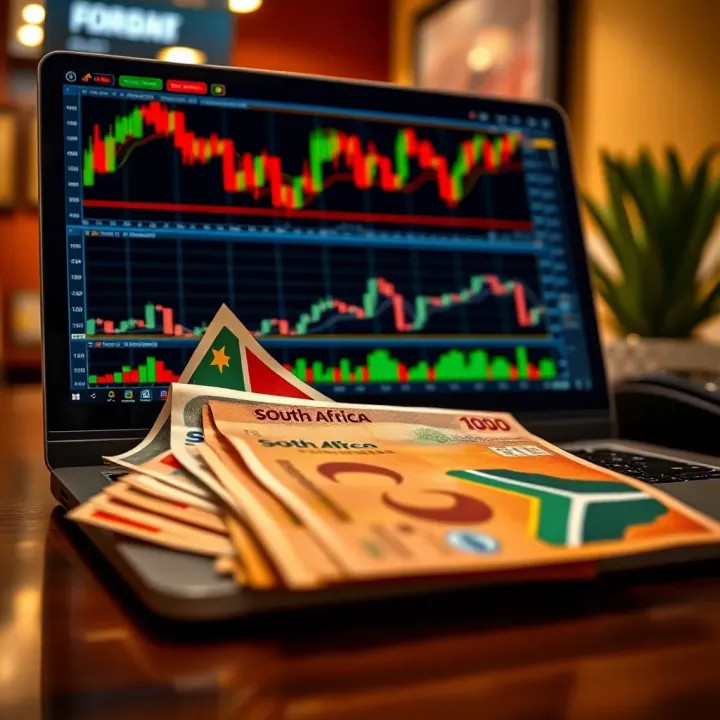
📊 Discover how forex demo accounts help South African traders practise risk-free, test strategies, and choose trustworthy brokers before investing real Rands.

📈 Discover how forex trading schools in South Africa can boost your skills with practical lessons, varied learning modes, and informed choices for success.
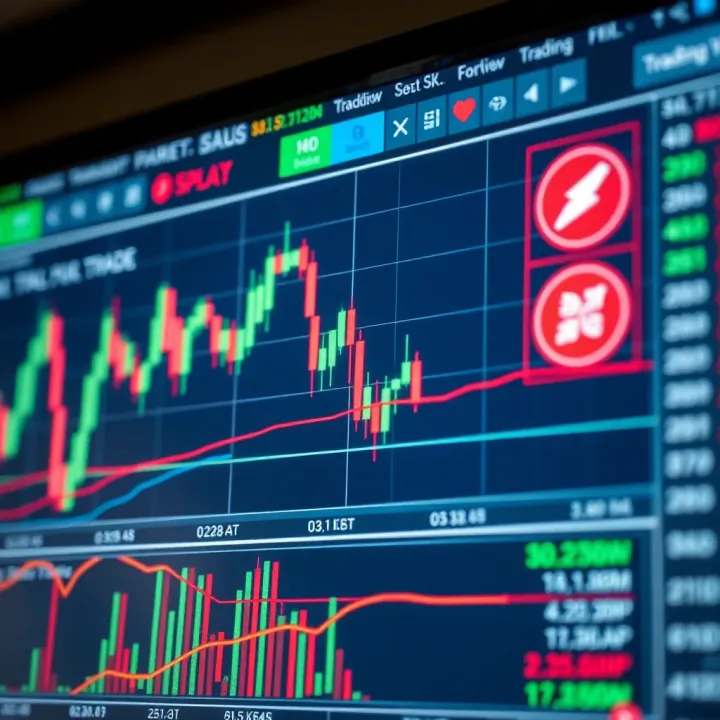
📈 Discover how to use TradingView for forex trading in South Africa 🇿🇦. Learn key features, chart types, indicators, strategies, and risk management tips.
Based on 5 reviews